
Google Business Profile for home care agencies: the complete setup and upkeep guide

Valerie VanBoovenFounder and Co-OwnerAugust 19, 2026
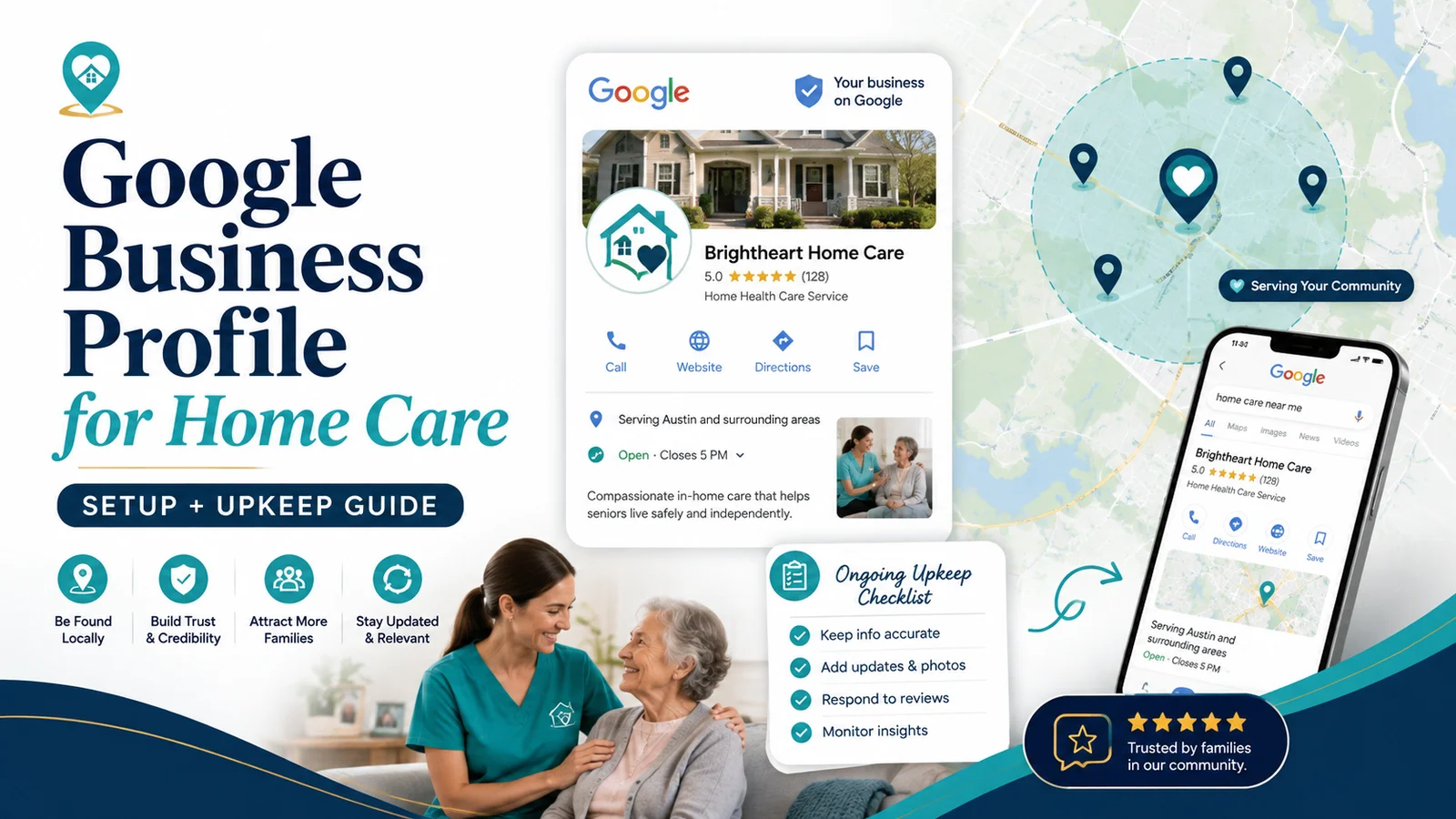
TL;DR: A Google Business Profile is not a mini website and it is not a place to stuff keywords. It is a public business record, a local discovery surface, and a trust checkpoint. For a home care agency, the work is straightforward: represent the real business accurately, choose the most specific legitimate category, list services families actually recognize, define the real service area, use current photos, make review requests part of operations, and inspect the profile every month. Approved Senior Network treats GBP as one part of a connected system: the profile, website, reviews, service-area pages, and follow-up process should all tell the same story.
Why Google Business Profile deserves operational attention
A family searching for care may encounter your Business Profile before visiting your website. Google says Business Profiles can show a service business's name, website, phone number, hours, reviews, services, and service areas in Search and Maps. That makes the profile one of the places where a family decides whether your agency looks real, relevant, and worth contacting.
The important word is real.
Google's own guidelines repeatedly emphasize accurate representation: use the real-world business name, accurate address or service area, appropriate categories, and information that reflects how the business actually operates.
At Approved Senior Network, we use a simple consistency test:
If a family sees your Google Business Profile, your website homepage, and one of your service pages within five minutes, would they believe all three belong to the same company?
The service list, service area, phone number, brand name, hours, positioning, and next step should reinforce one another.
For the broader system behind that idea, see what actually works in home care marketing now.
Start with the right business model: storefront, service-area, or hybrid
Many home care agencies travel to clients rather than serving them at a public storefront. Google distinguishes between service-area businesses and hybrid businesses.
A service-area business visits customers but does not serve customers at its business address. A hybrid business both serves customers at its address and travels to customers. Google says service-area businesses should use one profile for the central office or location and should hide an address that customers do not visit. It also says virtual offices are not eligible simply because mail can be received there.
ASN decision rule
Use this rule before creating or keeping an additional GBP location:
Create a separate location profile only when all three are true:
- The location is a legitimate, real-world operating location.
- The agency has separate staff or a genuine business presence there.
- The profile can accurately represent the location under Google's current eligibility rules.
Do not create a location simply because you want to rank in another city.
Choose categories for what the business is, not every service it has
Google's category guidance is unusually clear: categories should complete the sentence, "This business IS a..." rather than "This business HAS a..."
That means the primary category should describe the agency's core business. Additional categories should be used sparingly and only when they accurately describe another meaningful part of the operation.
Do not turn categories into a keyword list.
Monthly category check
Ask:
- Is the primary category still the most accurate available category?
- Did Google add or rename a more specific category?
- Are any additional categories redundant or misleading?
- Do the categories match what the website says the agency actually does?
Because category options and platform behavior can change, check the current list rather than relying on a setup completed years ago.
Build the services section around family language
Google allows eligible service businesses to add suggested or custom services and descriptions. For home care, this is a chance to make the profile more understandable, not more promotional.
A family may recognize phrases such as:
- Companion care
- Personal care
- Dementia or Alzheimer's care at home
- Respite care
- Overnight care
- 24-hour or around-the-clock care
- Veterans home care support
- Hospital-to-home support
Only list services you genuinely provide.
Weak service description
"Premier personalized care solutions delivered by compassionate professionals."
Stronger service description
"Non-medical personal care at home, including help with bathing, dressing, grooming, toileting, mobility, and meal support, based on the client's care plan."
The second version gives both families and machines something concrete to understand.
Write a business description that answers instead of brags
Google says the description should provide useful information about services, products, mission, and history, while staying relevant and honest.
A useful home care description answers four questions:
- Who do you help?
- What kinds of care do you provide?
- Where do you provide it?
- What is meaningfully different about your process?
ASN description template
"[Agency name] provides [type of home care] for older adults and families in [service area]. Services include [three to five major services]. Families work with us when they need help with [common situations]. Our approach emphasizes [real differentiator: response process, communication, caregiver training, specialty, local ownership, etc.]."
Use the template as a structure, not as fill-in-the-blank copy. The final version should sound like the agency.
Define the service area accurately
Google currently allows service-area businesses to specify up to 20 service areas using cities, postal codes, or other supported areas. Google also says the overall service-area boundary generally should not extend more than about two hours of driving time from the business base, while noting exceptions may apply.
The right service-area list is not "everywhere we would accept a case someday." It should reflect where you realistically provide care.
ASN decision rule for service areas
Keep a city or area on the profile when:
- You actively serve it or can reliably staff it.
- It is commercially important enough to support.
- Your website also gives families a credible explanation of service there.
Remove or reconsider it when the operational team would hesitate to accept a qualified case there.
Use photos to reduce uncertainty
Families are considering who may enter a loved one's home. Real photography can make an agency easier to trust.
Prioritize:
- Leadership and office team
- Caregivers, with proper consent and appropriate privacy safeguards
- Office exterior or interior if families visit
- Community involvement
- Branded vehicles or signage when applicable
- Educational events
- Real human moments that reflect the organization
Do not let a profile become a gallery of generic stock images while the website shows an entirely different visual identity.
Treat reviews as an operating system
The best review process starts before the review request.
At ASN, the sequence is:
- Deliver a good experience.
- Train staff to notice moments of expressed satisfaction.
- Make it obvious who owns the ask.
- Provide a direct review link or QR code.
- Respond professionally.
- Track consistency over time.
Google provides a Business Profile review link and QR-code workflow. Use it to reduce friction.
A structured review program can help make requesting, monitoring, and responding to reviews part of routine operations.
The 15-minute monthly GBP audit
Do this once a month:
Identity
- Business name correct?
- Phone number correct?
- Website correct?
- Hours current?
Location
- Address shown only if appropriate?
- Service areas accurate?
- Any duplicate or unauthorized listings?
Relevance
- Primary category still right?
- Services current?
- Description accurate?
Trust
- Recent real photos?
- New reviews answered?
- Policy-violating reviews flagged when appropriate?
Alignment
- Does the website describe the same services and markets?
- Does the profile link to a page that gives the family a clear next step?
Then search a handful of family-style queries and compare what the visible profiles communicate. Google says local results are mainly based on relevance, distance, and prominence. You cannot control distance, but you can improve the clarity and completeness of the signals you do control.
That is also why GBP work connects naturally to AI and local search visibility.
Frequently asked questions
How many reviews does a home care agency need?
There is no universal review count that guarantees ranking or calls. Google says reviews can contribute to local prominence, but local results also depend on relevance and distance. Compare your review volume, recency, and quality with legitimate competitors in your market, then build a steady process rather than chasing a magic number.
Can I list multiple service areas?
Yes. Google currently allows up to 20 service areas for eligible service-area and hybrid businesses. Use areas you actually serve and keep the website consistent with that footprint.
Why is my profile not ranking?
Start with the basics: eligibility, accurate information, the right category, complete services, reviews, website relevance, and the competitive landscape. Also remember that proximity matters; a strong profile cannot make a business physically closer to every searcher.
Should each office have its own Business Profile?
Only when each location is independently eligible under Google's rules. A marketing-only address, mailbox, or unstaffed virtual office is not a legitimate shortcut to another city.
Primary sources
- Google Business Profile: Guidelines for representing your business: https://support.google.com/business/answer/3038177
- Google Business Profile: Manage service areas: https://support.google.com/business/answer/9157481
- Google Business Profile: Manage business category: https://support.google.com/business/answer/7249669
- Google Business Profile: Manage services: https://support.google.com/business/answer/9455399
- Google Business Profile: Tips to improve local ranking: https://support.google.com/business/answer/7091
- Google Business Profile: Create a review link or QR code: https://support.google.com/business/answer/16816815